facebook pixel Smartphone Settings Cartoons and Comics - funny pictures from CartoonStock

Smartphone Settings cartoons and comics

Smartphone Settings Cartoon #4

smartphone settings cartoon with meeting and the caption "Could you please focus on the objective of this meeting, Tom... you can get back to your 300 followers later." by Douglas Blackwell

"Could you please focus on the objective of this meeting, Tom... you can get back to your 300 followers later."

"Could you please focus on the objective of this meeting, Tom... you can get back to your 300 followers later."
Douglas Blackwell See This Cartoon

Smartphone Settings Cartoon #17

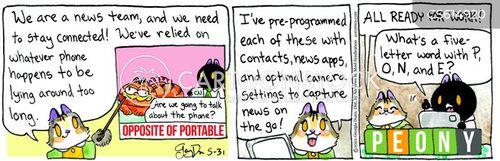
smartphone settings cartoon with cat and the caption "We are a news team, and we need to stay connected! We've relied on whatever phone happens to be lying around too long."  "Are we going to talk about the phone?"  "I've pre-programmed each of these with contacts, news apps, and optimal camera settings to capture news on the go!"  "All ready for work!"  "What's a five-letter word with P, O, N, and E?"  "Peony" by Georgia Dunn

"We are a news team, and we need to stay connected! We've relied on whatever phone happens to be lying around too long." "Are we going to talk about the phone?" "I've pre-programmed each of these with contacts, news apps, and optimal camera settings to capture news on the go!" "All ready for work!" "What's a five-letter word with P, O, N, and E?" "Peony"

"We are a news team, and we need to stay connected! We've relied on whatever phone happens to be lying around too long." "Are we going to talk about the phone?" "I've pre-programmed each of these with contacts, news apps, and optimal camera settings to capture news on the go!" "All ready for work!" "What's a five-letter word with P, O, N, and E?" "Peony"
Georgia Dunn See This Cartoon

Smartphone Settings Cartoon #18

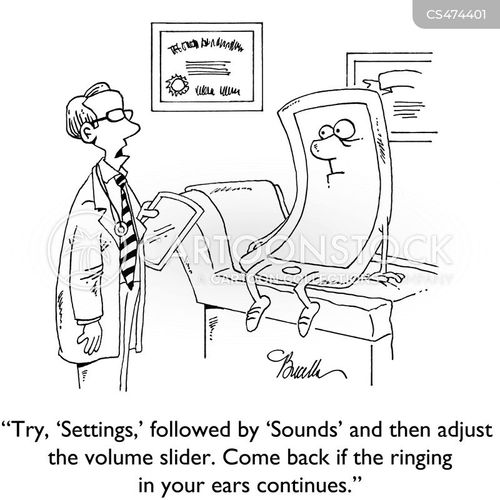
smartphone settings cartoon with phones and the caption "Try, 'Settings,' followed by 'Sounds' and then adjust the volume slider. Come back if the ringing in your ears continues." by Marty Bucella

"Try, 'Settings,' followed by 'Sounds' and then adjust the volume slider. Come back if the ringing in your ears continues."

"Try, 'Settings,' followed by 'Sounds' and then adjust the volume slider. Come back if the ringing in your ears continues."
Marty Bucella See This Cartoon

Smartphone Settings Cartoon #22

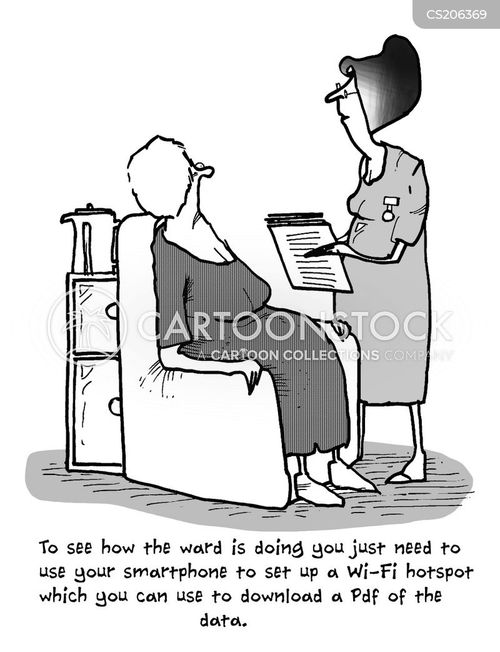
smartphone settings cartoon with nhs and the caption 'To see how the ward is doing you just need to use your smartphone to set up a wi-fi hotspot which you can use to download a pdf of the data.' by Fran

'To see how the ward is doing you just need to use your smartphone to set up a wi-fi hotspot which you can use to download a pdf of the data.'

'To see how the ward is doing you just need to use your smartphone to set up a wi-fi hotspot which you can use to download a pdf of the data.'
Fran See This Cartoon

Use the following code at checkout:

ONEBUCKCHUCKLES

Coupon will be applied to your cart. Offer is limited to one cartoon per customer and does not include web and publication licenses. Some collections/images may be excluded from this offer.

CartoonStock Chatbot

Powered by AI

close chatbot

Chat