facebook pixel Fixing The Phone Cartoons and Comics - funny pictures from CartoonStock

Fixing The Phone cartoons and comics

Fixing The Phone Cartoon #3

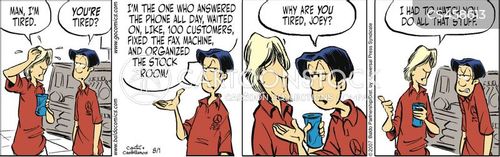
fixing the phone cartoon with baldo and the caption "You're tired? I'm the one who answered the phone all day, waited on, like, 100 customers, fixed the fax machine, and organized the stock room! Why are you tired, Joey?" by Cantú and Castellanos

"You're tired? I'm the one who answered the phone all day, waited on, like, 100 customers, fixed the fax machine, and organized the stock room! Why are you tired, Joey?"

"You're tired? I'm the one who answered the phone all day, waited on, like, 100 customers, fixed the fax machine, and organized the stock room! Why are you tired, Joey?"
Cantú and Castellanos See This Cartoon

Fixing The Phone Cartoon #4

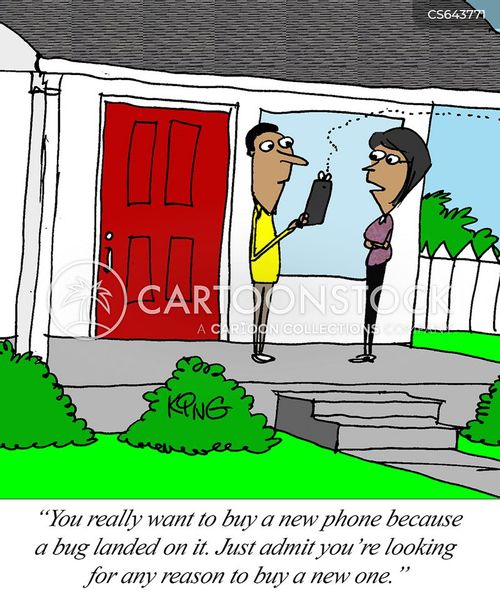
fixing the phone cartoon with robocall and the caption "After you go get you phone and fix the window, I'll show you how to properly deal with robocalls." by Jerry King

"After you go get you phone and fix the window, I'll show you how to properly deal with robocalls."

"After you go get you phone and fix the window, I'll show you how to properly deal with robocalls."
Jerry King See This Cartoon

Fixing The Phone Cartoon #15

fixing the phone cartoon with mobile and the caption 'Removing the phone is easy. Getting your head and arms to their original positions will take weeks of physical therapy.' by Marty Bucella

'Removing the phone is easy. Getting your head and arms to their original positions will take weeks of physical therapy.'

'Removing the phone is easy. Getting your head and arms to their original positions will take weeks of physical therapy.'
Marty Bucella See This Cartoon

Fixing The Phone Cartoon #25

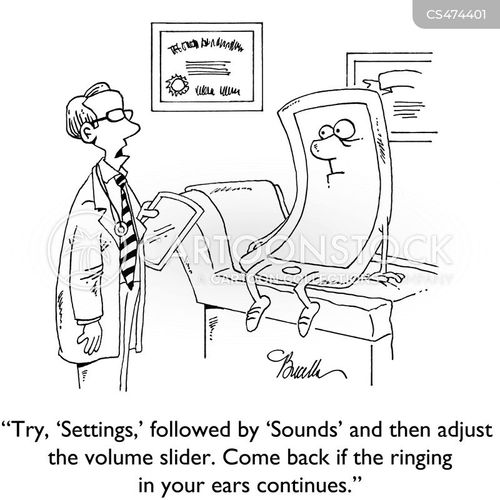
fixing the phone cartoon with phones and the caption "Try, 'Settings,' followed by 'Sounds' and then adjust the volume slider. Come back if the ringing in your ears continues." by Marty Bucella
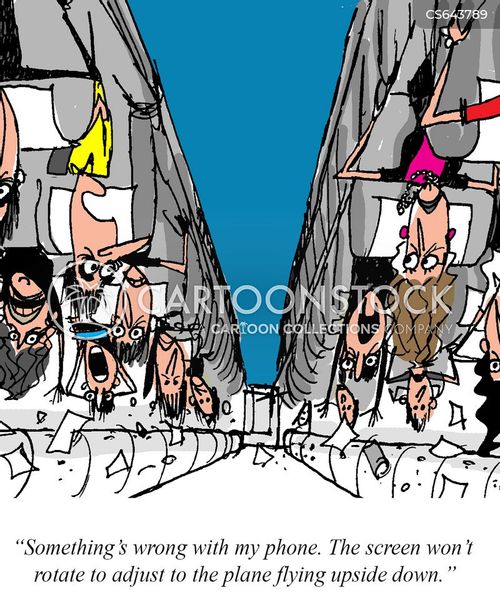
"Try, 'Settings,' followed by 'Sounds' and then adjust the volume slider. Come back if the ringing in your ears continues."

"Try, 'Settings,' followed by 'Sounds' and then adjust the volume slider. Come back if the ringing in your ears continues."
Marty Bucella See This Cartoon

Use the following code at checkout:

ONEBUCKCHUCKLES

Coupon will be applied to your cart. Offer is limited to one cartoon per customer and does not include web and publication licenses. Some collections/images may be excluded from this offer.

CartoonStock Chatbot

Powered by AI

close chatbot

Chat